how offday works.
The whole app in a few pictures.
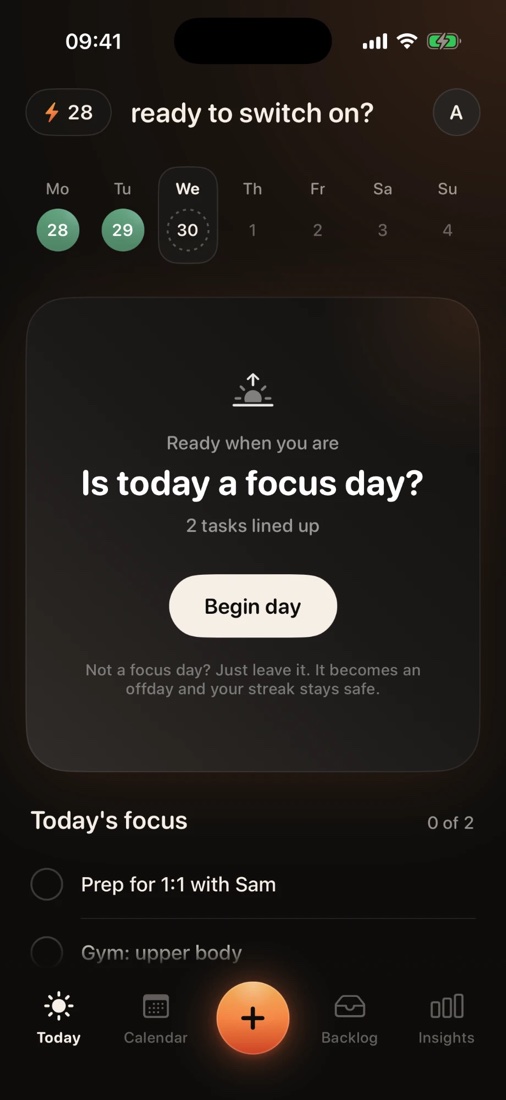
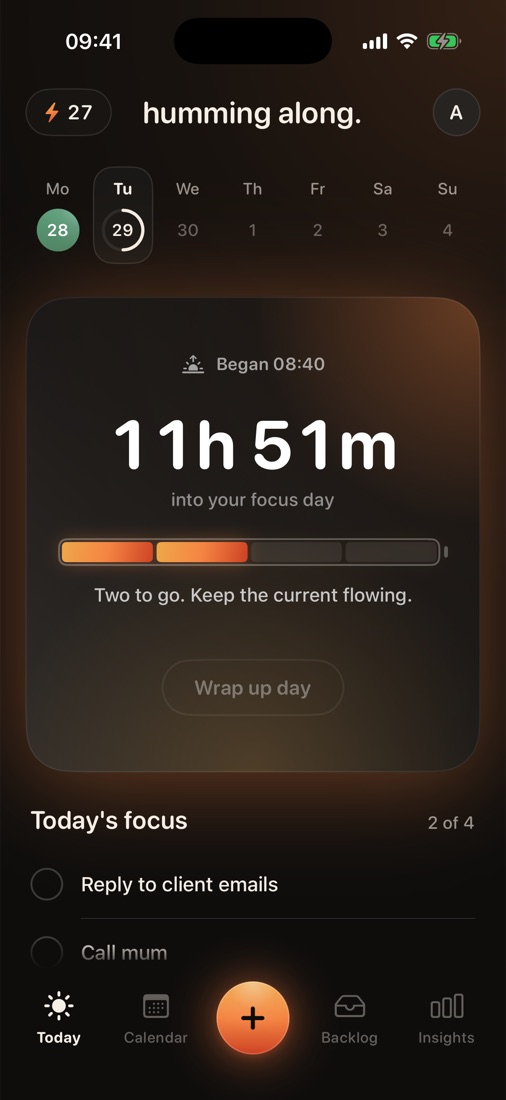
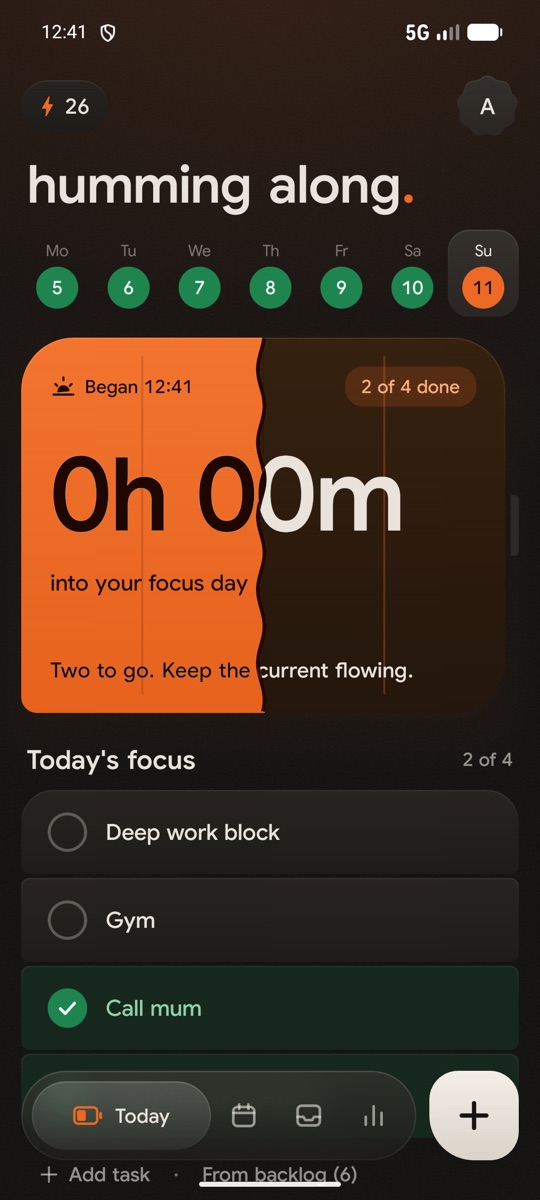
Your day, in three stages
-
-
-
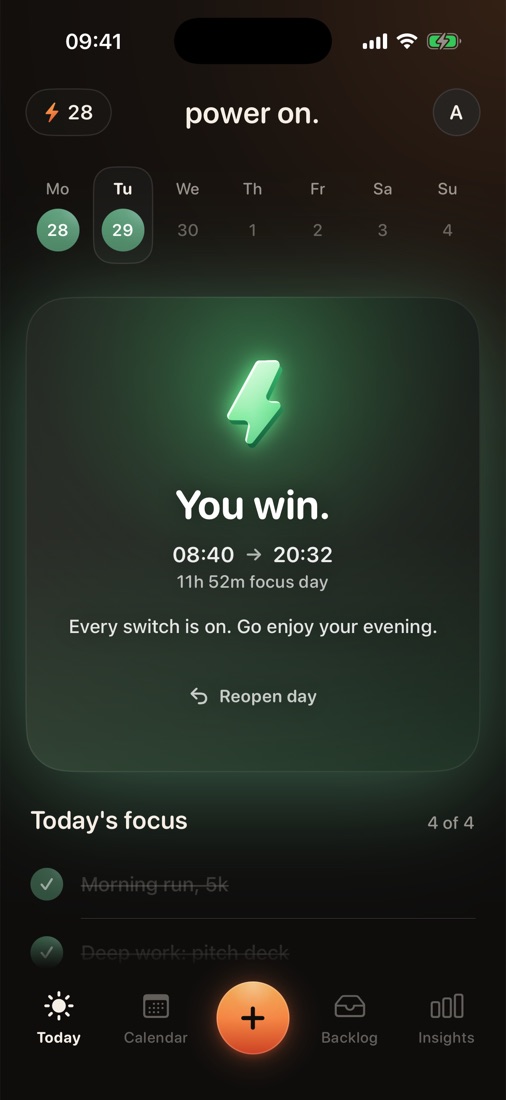
Never tap Begin day? It’s an offday. Rest day, streak safe.
Midnight with switches still off? The day ends partial or lost.
Shortcut: switching on your first task begins the day too.
Why can’t I delete a task?
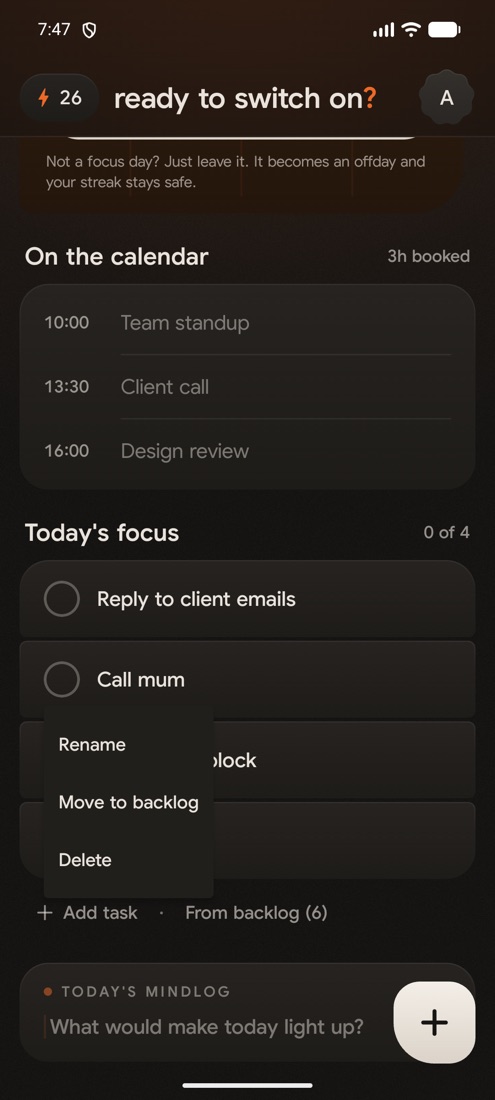
A list you can trim at 5pm always wins. So once you begin, the list is locked in.
Removing in the draft: swipe the task right to send it to the backlog.long-press the task, then Move to backlog or Delete.
Switched on the wrong one? Tap it again to switch it off. Only works on the last one you switched on.
Need to add more after winning? Tap Reopen day.
How the streak works
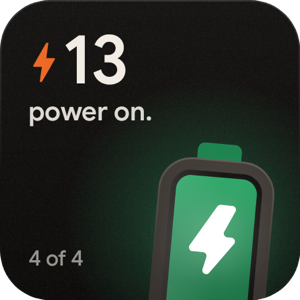
Won days add one. Offdays are skipped. Anything else starts it again.
- Mon1
- Tue2
- Wed2offday:
skipped - Thu3
- Fri0partial:
reset - Sat1
- Sun2
- Won every switch on +1
- Offday never begun no change
- Partial some on back to 0
- Lost begun, none on back to 0
Today joins the streak the moment it’s won. Your streak and your best sit at the top of Insights.
Adding tasks
Plan tomorrow
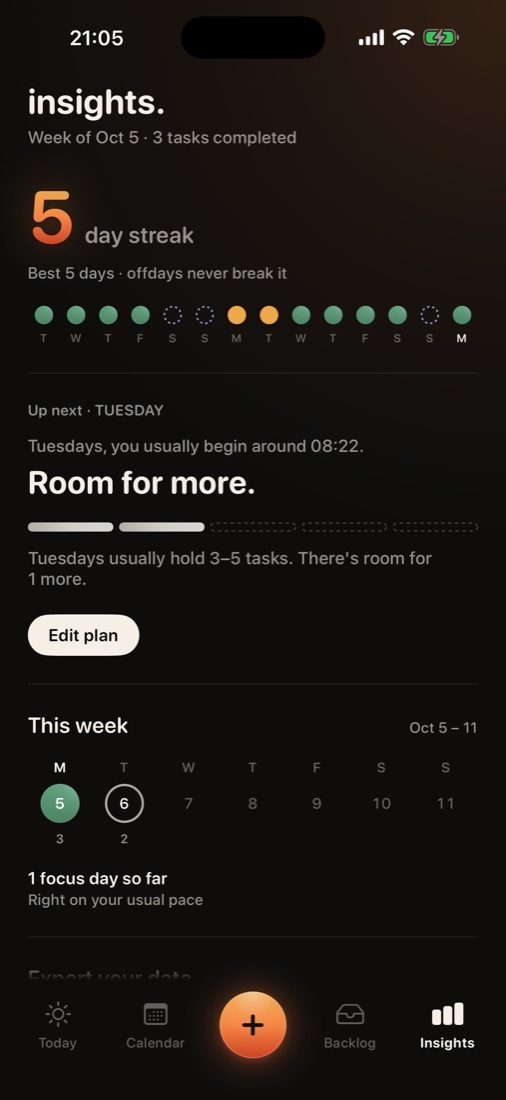
- Open the Insights tab.
- On the Up next card, tap Plan tomorrow (or Edit plan).
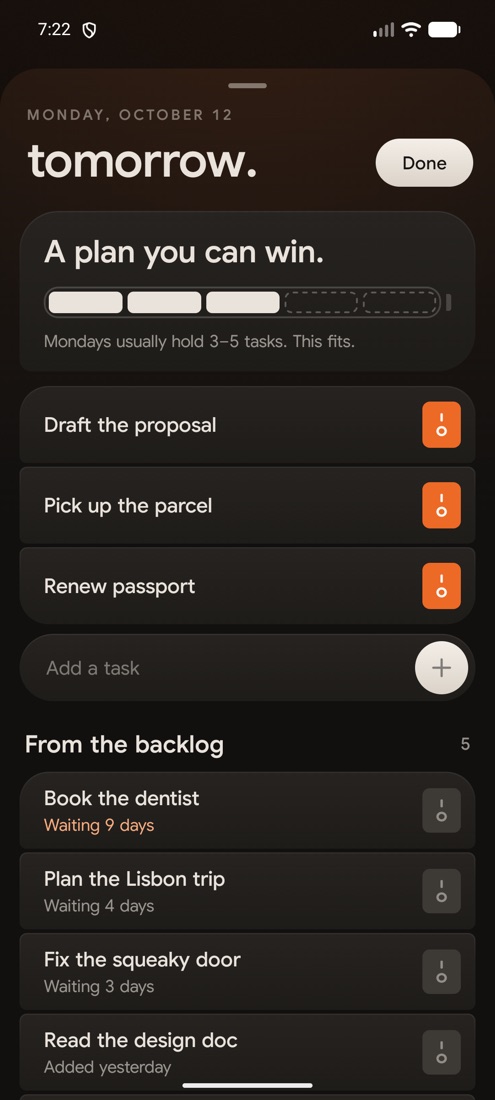
- Type new tasks, or switch on ones from your backlog.
- Wake up. They’re waiting on Today, still a draft.
The bar shows how much your usual day holds, so you don’t overfill it.
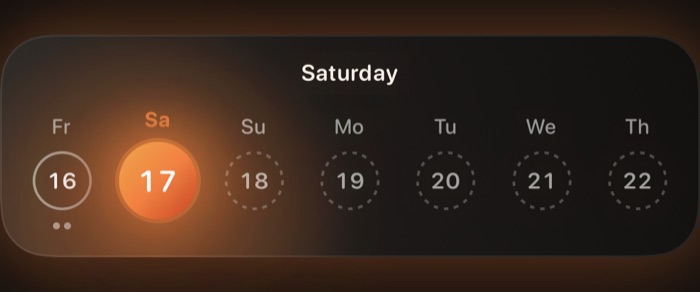
Any day this week: in the Backlog, hold a task until the week slides up, then drop it on a day.
Unfinished at midnight?
Back to the backlogOut of the way until you pick it again.
Onto tomorrow’s listTurn on Roll unfinished tasks over: tap your initial on Today.
Add the widget
Streak, today’s switches and the week. No need to open the app.
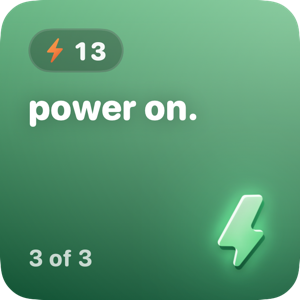
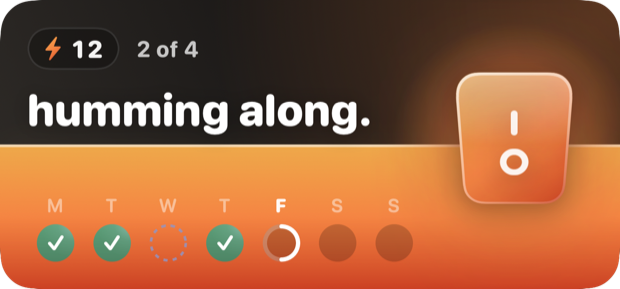
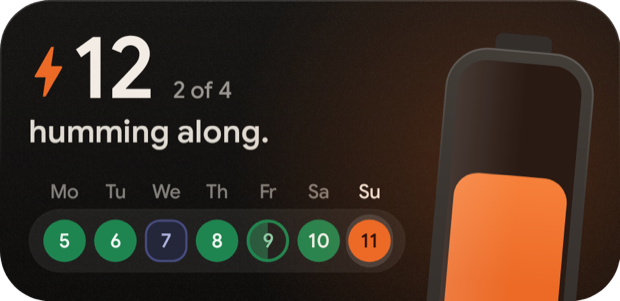
- Touch and hold the Home Screen until apps jiggle.
- Tap Edit (top left) → Add Widget.
- Search offday, pick a size, tap Add Widget.
Lock Screen: hold the Lock Screen → Customize → Lock Screen → tap under the clock → offday.
- Touch and hold an empty spot on the home screen.
- Tap Widgets, then find offday.
- Hold Streak or Streak and week and drag it onto the screen.
Not in the list? Open offday once, then try again. Still missing? Restart your phone.
Coming to Android
The whole day is there. A few extras are still charging.
| iPhone | Android | |
|---|---|---|
| ChargeHold a task to raise the stakes | Yes | Soon |
| RepeatTasks that add themselves | Yes | Soon |
| ScheduleAny day this week | Yes | Tomorrow only |
| ImportFrom another to-do app | Reminders | Google Tasks soon |
Still stuck? Email support@offdaytodos.com or see support.