Good morningThe first app you open in the morning

The to-do app that keeps you off your phone

Start with an affirmation, plan your day, commit, switch off, win. No accounts, no sign-ups. Everything stays private, on your phone.

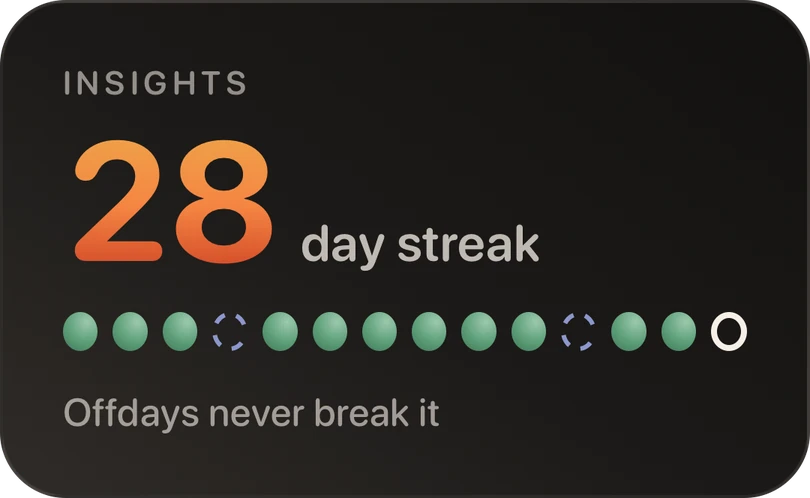
No account No servers Offdays never break your streak
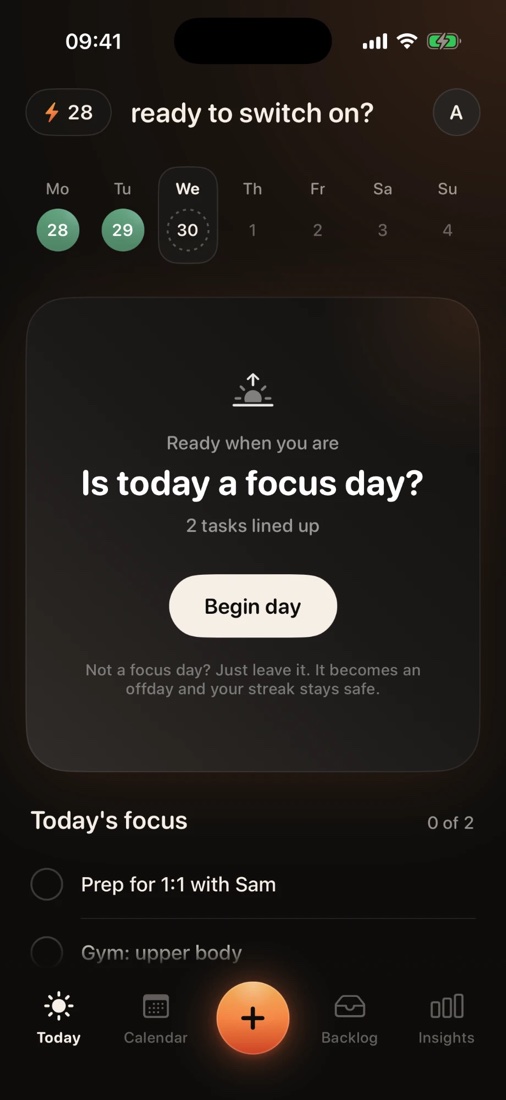
offday's Today screen: ready to switch on? Is today a focus day? Two tasks lined up and a Begin day button
How it works

One morning check-in. Then put it down.

offday is built around a single day: you open it before anything else, set your focus, and leave your phone alone until there's something to switch on.

08:40Wake up

Start with an affirmation

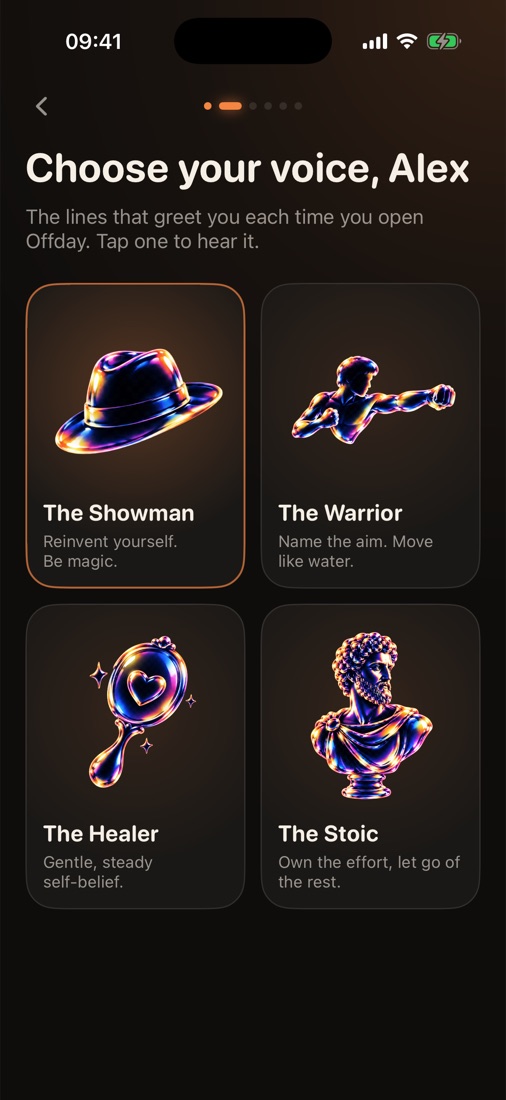
Before the inbox, before the feed. Pick a voice and its affirmations play each time you open offday. Read along, take a breath, and begin.

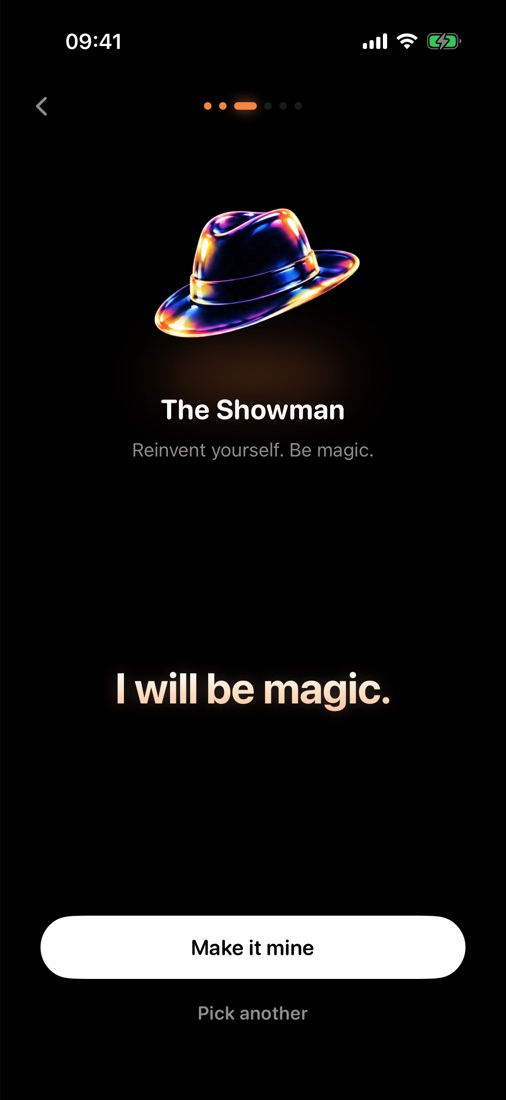
I will be magic.The Showman · Reinvent yourself. Be magic.
Choose your voice: The Showman, The Warrior, The Healer and The Stoic
The Showman's affirmation: I will be magic.
08:41 → 20:32Your focus day

Plan it, switch off, win the day

Write down the few things that matter today. Each one is a switch. Flip it on when it's done, then get back to your life.

  • Tasks can't be deleted or pushed back to later. Finishing them is the only way to win.
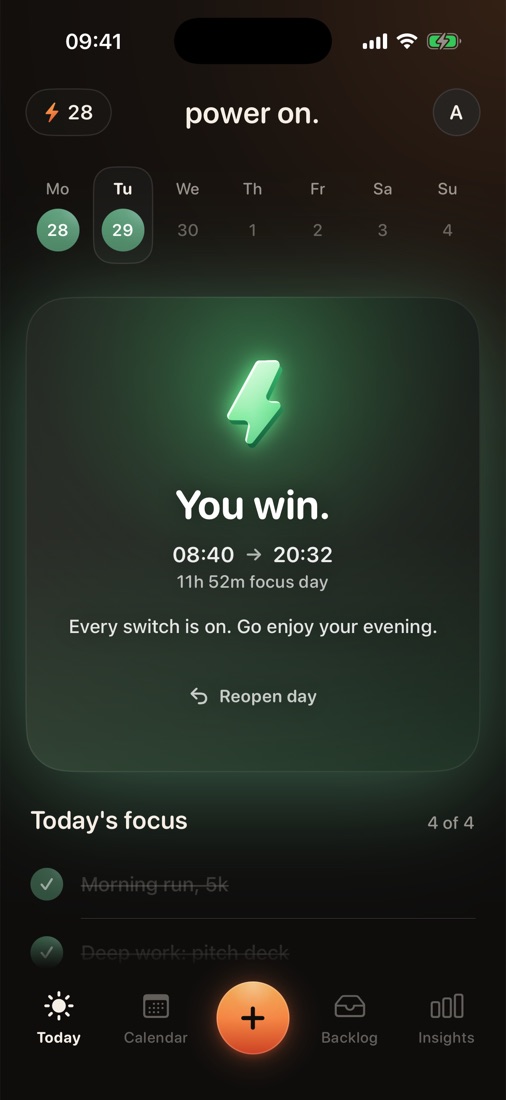
  • When every switch is on, the bolt strikes and the day is won.
  • Not a focus day? Call it an offday. Your streak stays.
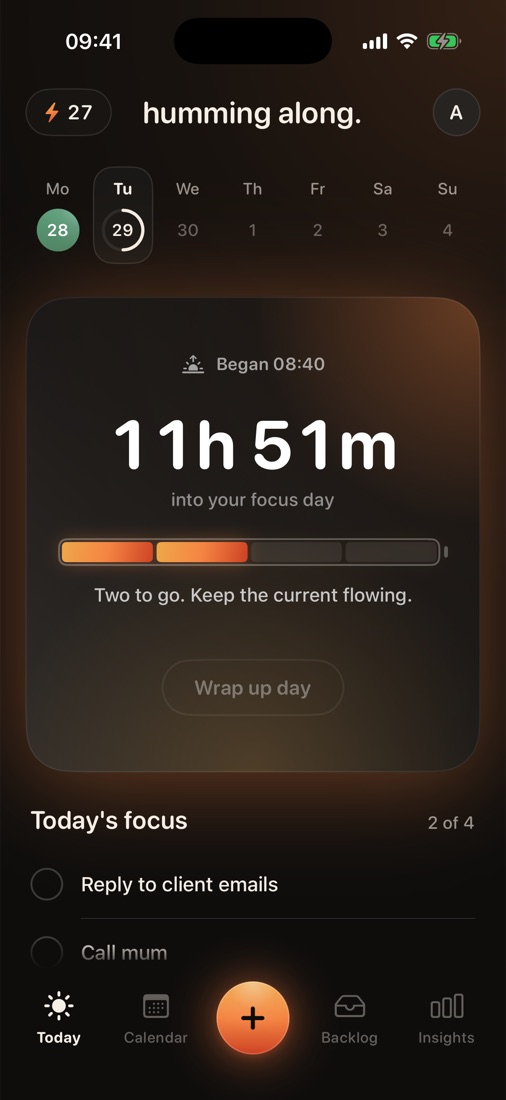
Today: two of four tasks switched on
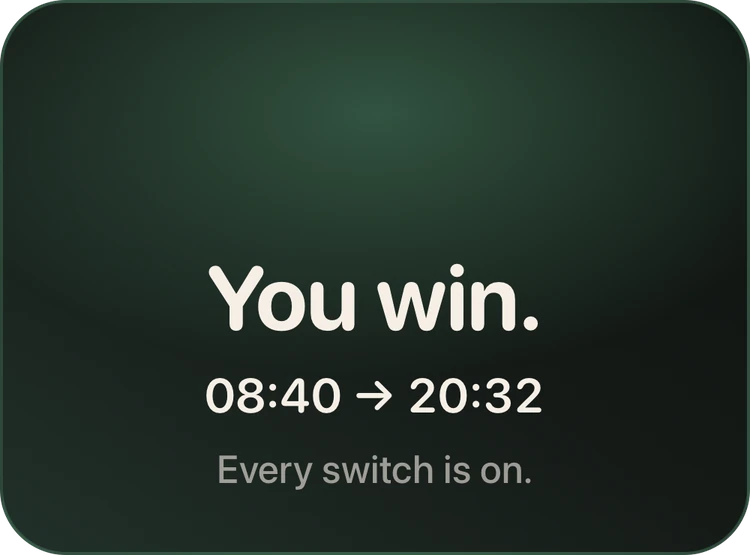
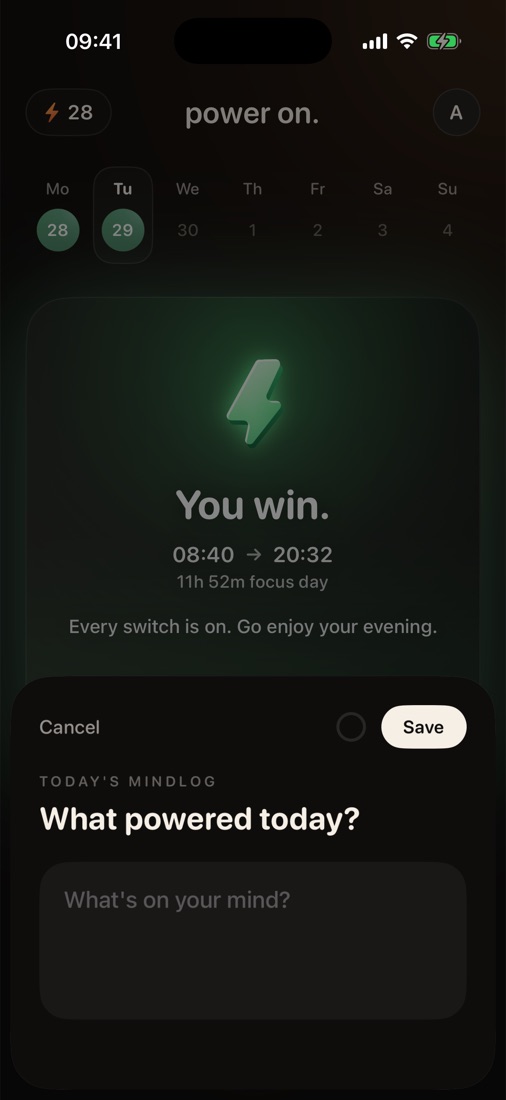
You win. 08:40 to 20:32, an 11 hour 52 minute focus day
20:40Wind down

Close with a mind log

One question when the day is done: what powered today? A sentence is enough. It's yours to read back, and no one else's.

Today's mind log: What powered today?
Over the weeks

Every day adds up.

Days stack into a calendar you can read at a glance. Ideas without a day wait in the backlog. Insights learn your rhythm.

calendar.

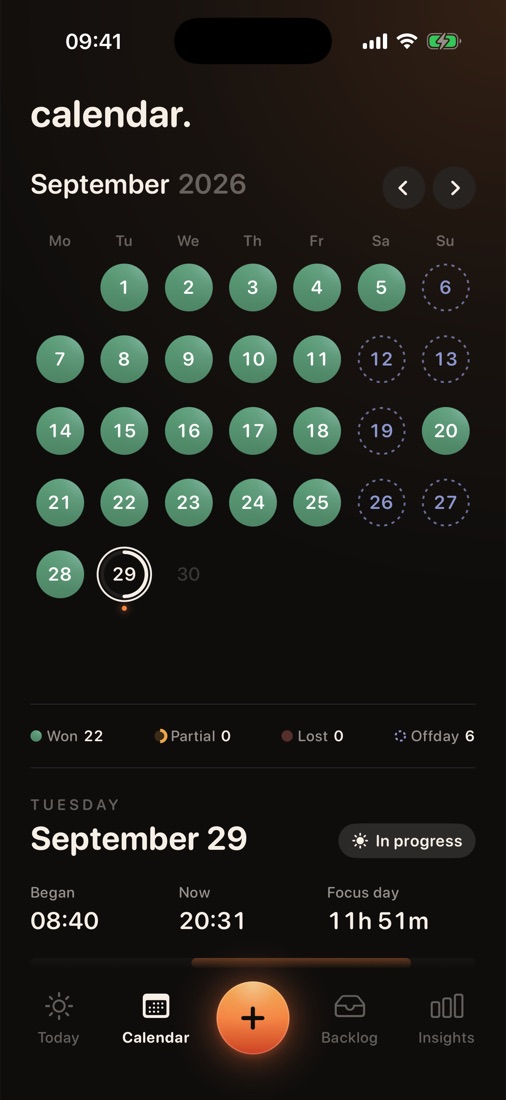
Every day gets an outcome, so a month tells you how it really went.

WonPartialLostOffday
September 2026: 22 days won, 6 offdays

backlog.

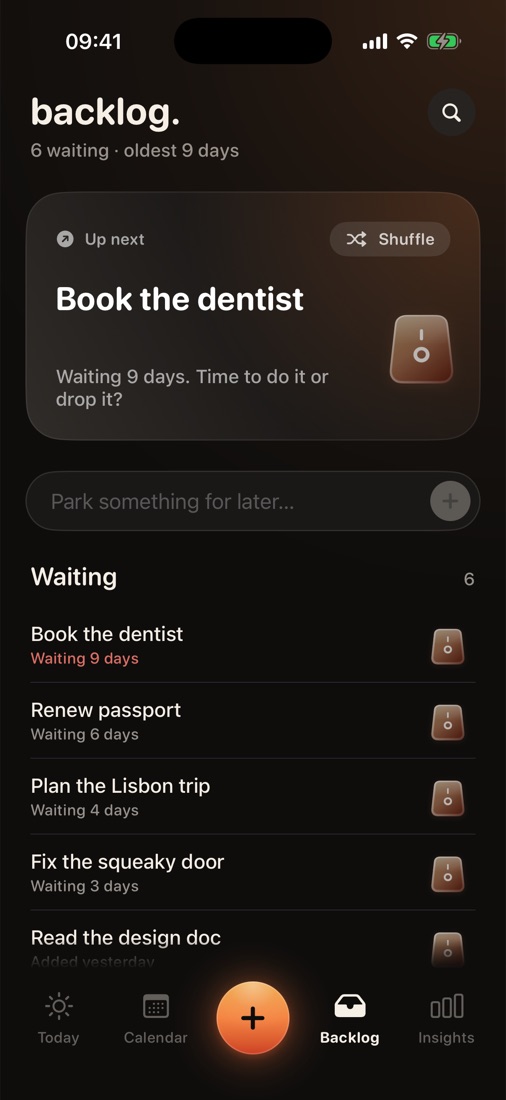
Park something for later. offday shows how long it's waited, and nudges the oldest one: do it or drop it.

Backlog: Book the dentist, waiting 9 days

insights.

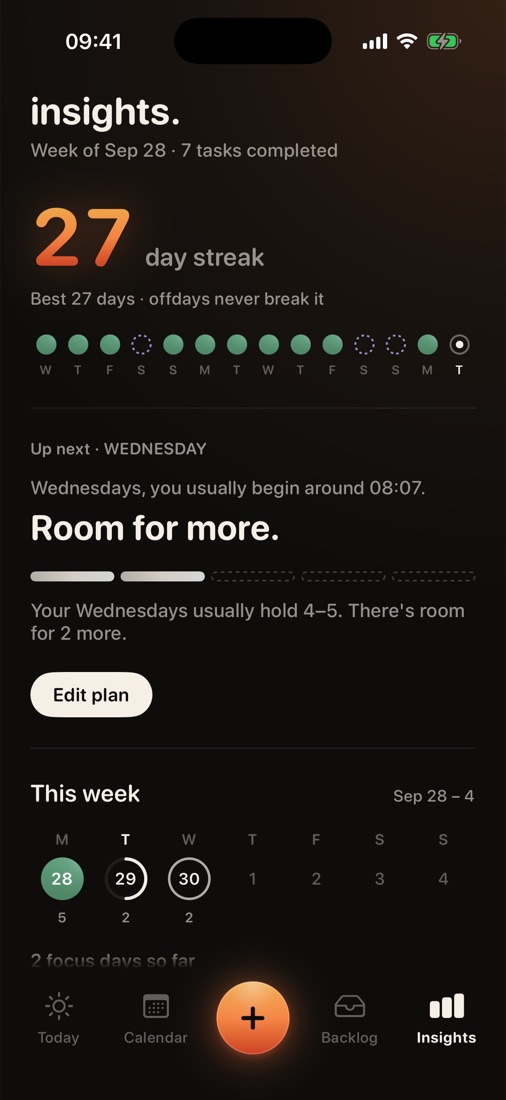
Your streak, how much your next day can hold, and where you're at this week compared to your usual.

Insights: Wednesdays usually hold 4 to 5 tasks, room for 2 more
Hidden switches

There's more, if you keep looking.

offday keeps its extras out of sight, so a busy morning still looks like a short list. Here's where we hid them.

charge.

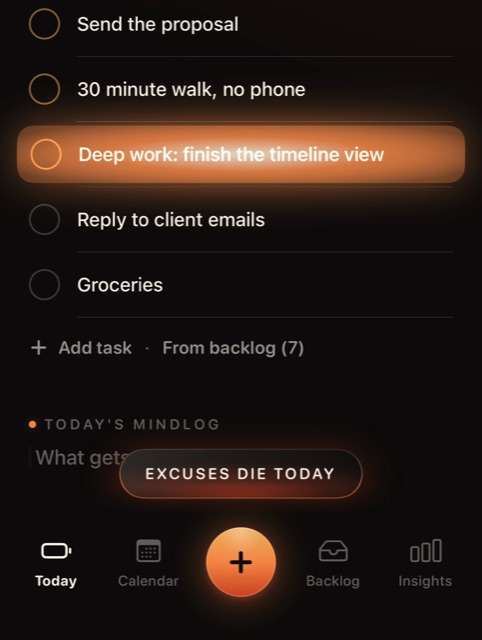
Some tasks need more voltage. Hold one and it charges up: extra juice first, then excuses die today.

A held task glowing flame orange, with Excuses die today underneath

repeat.

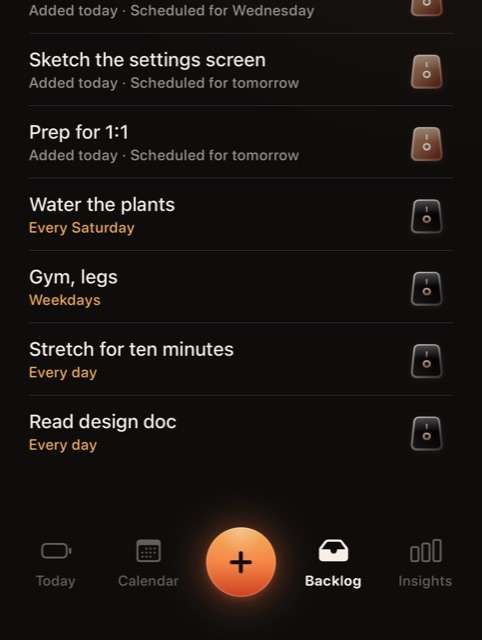
Open a backlog task and flick it up: every day, weekdays, or one day a week. Next time, the task adds itself.

Backlog tasks set to repeat: Every Saturday, Weekdays, Every day

schedule.

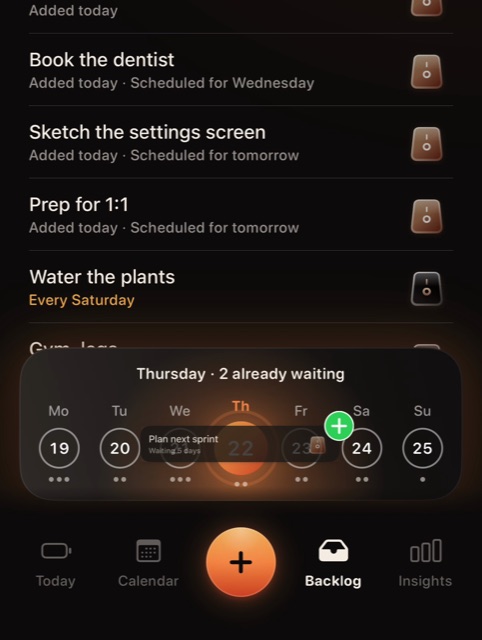
Hold a backlog task and the week slides up. Drop it on a day and it waits there. Future you agreed to this.

Dragging Plan next sprint onto Thursday in the week dock
Coming soonNewoffday for Android

Android's still charging.Android, fully charged.

offday isn't on Google Play yet. We're topping up the last few percent. Leave your email and we'll wake you the morning it's out.offday is on Google Play. Same day, same switches, rebuilt for your phone. Get it, plan tomorrow, then put it down.

One email, then we leave you alone. It's kind of our whole thing.

How we treat your email
Get it onGoogle Play

Needs Android 7 or later.

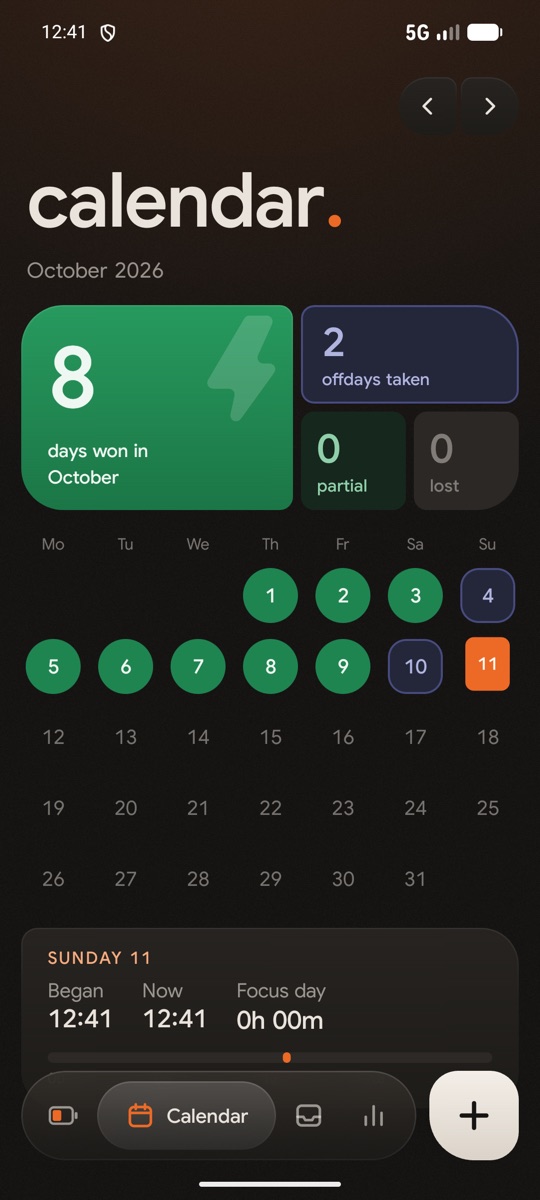
offday on Android, the calendar: 8 days won in October, 2 offdays taken
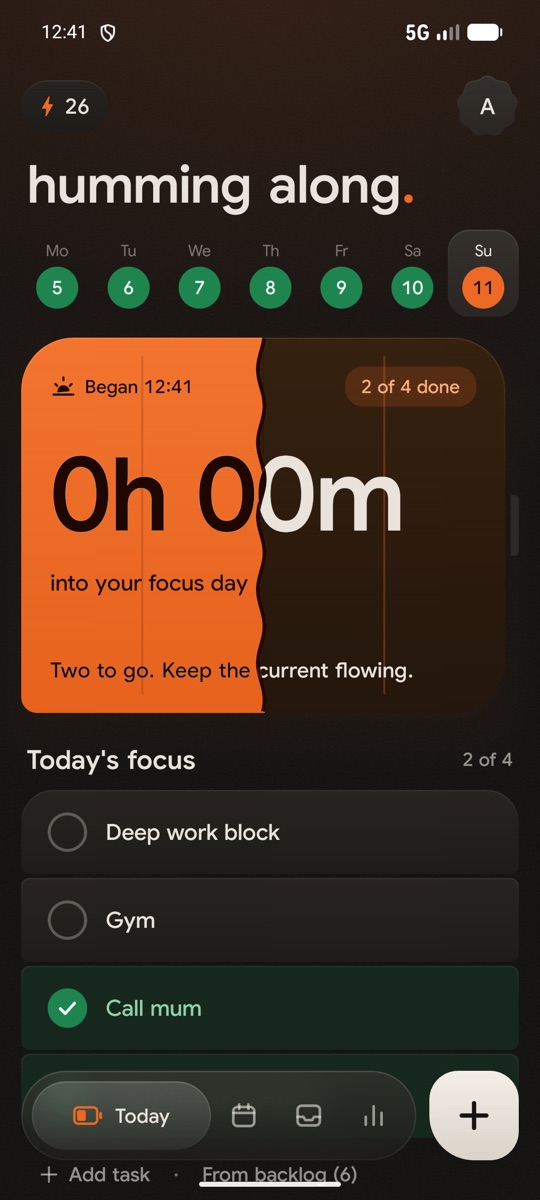
offday on Android, Today: humming along, the day's battery half charged with 2 of 4 done
The offday home-screen widget: a 12 day streak, humming along, 2 of 4, the week, and the day's battery half charged The widget on a won day: a 13 day streak, power on, the battery green with a bolt
No accountType your first name and you're in. No email, no password.
Stays on your phoneYour days, tasks and mind logs live in one file on your device.
Built to be closedNo feed, no badges begging for attention. Check in, then go.
FAQ

questions.

Can't find what you're after? Get in touch from the footer.

Do I need an account?

No. There's nothing to sign up for. offday asks for your first name so it can greet you, and that's it.

Where is my data stored?

On your phone. Your tasks, days, backlog and mind logs are saved in a file on the device. offday has no servers to send them to.

How does a to-do app keep me off my phone?

It's designed for one visit in the morning and a quick flip of a switch when something's done. No feeds, no endless lists, nothing to scroll. Plan the day, then put the phone down.

What does it mean to win the day?

Every task on today's list is a switch. When all of them are on, you've won the day. Finish some and the day is partial. The calendar keeps an honest record either way. There's no deleting your way to a win.

Can I remove a task from today?

No. Once a task is on today, it stays until you switch it on. If you're not sure about something, park it in the backlog instead.

Why are some features hidden?

Because most mornings don't need them. Every button on show is one more thing to fiddle with before you start, and offday's whole job is getting you off your phone. So the basics sit on the surface, and the rest waits until you go looking.

What's an offday?

A day you choose not to plan. Rest is part of the work, so offdays never break your streak.

Who are the affirmation voices?

Each voice is a style of self-talk drawn from lines someone well known said or wrote to themselves. Pick the one that sounds like you, and change it anytime.

Which devices does it run on?

offday is on iPhone today and needs iOS 18 or later. Android is getting its own offday, so it's still on the charger. Android 7 is supported; we recommend 13 or later.

iPhone and Android. On iPhone it needs iOS 18 or later; on Android, version 7 or later. Your days stay on the phone you made them on, so the two don't sync.